Local wallet engine
Wallet creation, scanning and transaction signing run in the browser with the Monero C++ wallet code compiled to WebAssembly via monero-ts.
A standalone browser wallet for Monero (XMR), designed to keep your keys on your device while giving you clear control over nodes, transactions and recovery.
Open source under the MIT license · English interface · Version 2.4.0 listed on Chrome Web Store
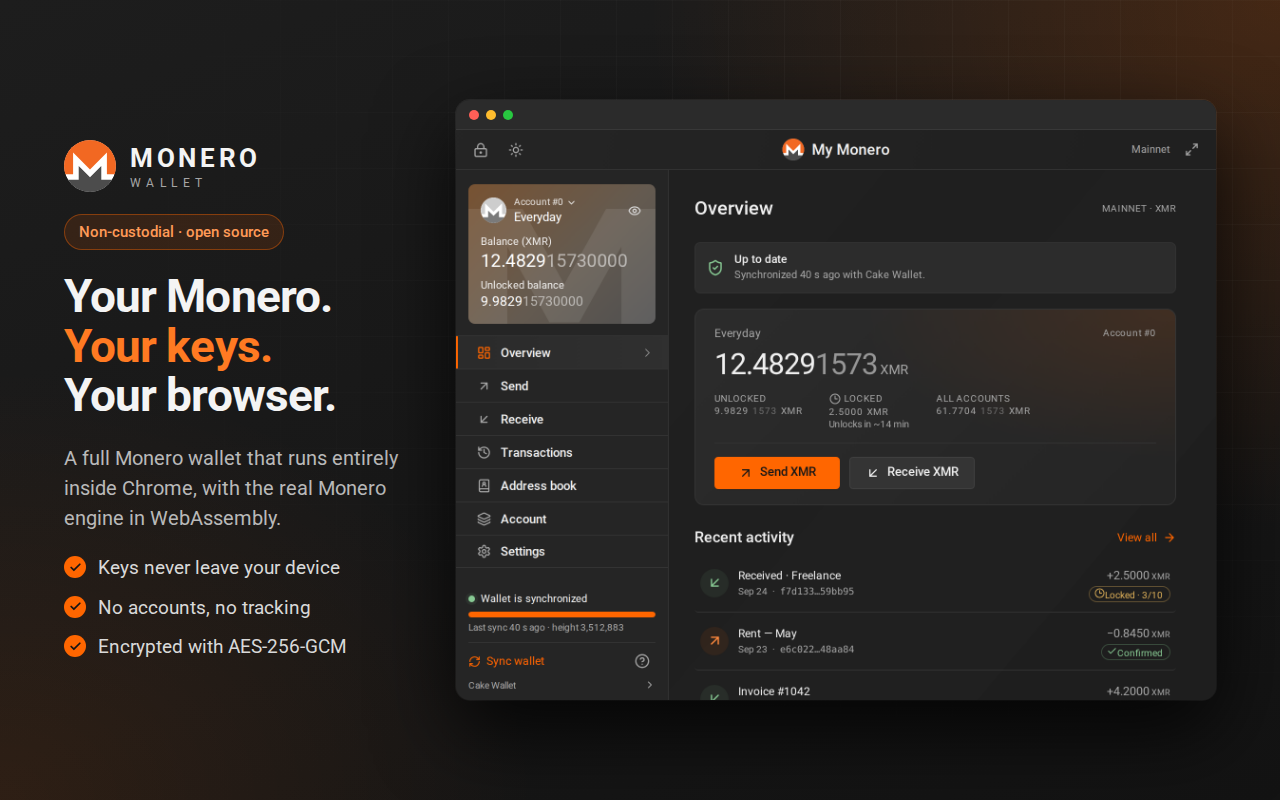
Monero protects transaction privacy, but every wallet still has boundaries. This project makes those boundaries visible: what happens locally, what a node can observe and what you must back up yourself.
Wallet creation, scanning and transaction signing run in the browser with the Monero C++ wallet code compiled to WebAssembly via monero-ts.
Wallet data is protected with AES-256-GCM and a password-derived key using PBKDF2-SHA256.
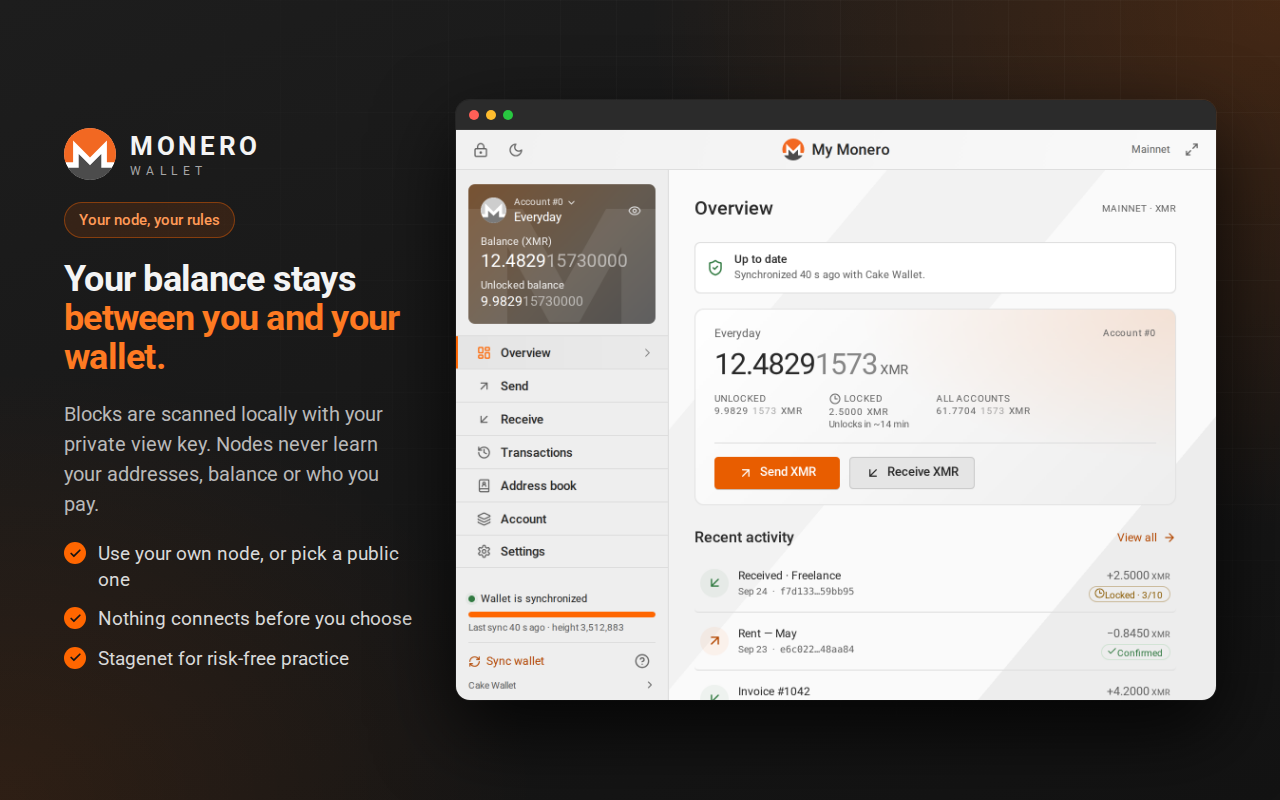
Use a built-in public node or add your own node. The extension asks for permission before connecting to a node you add.
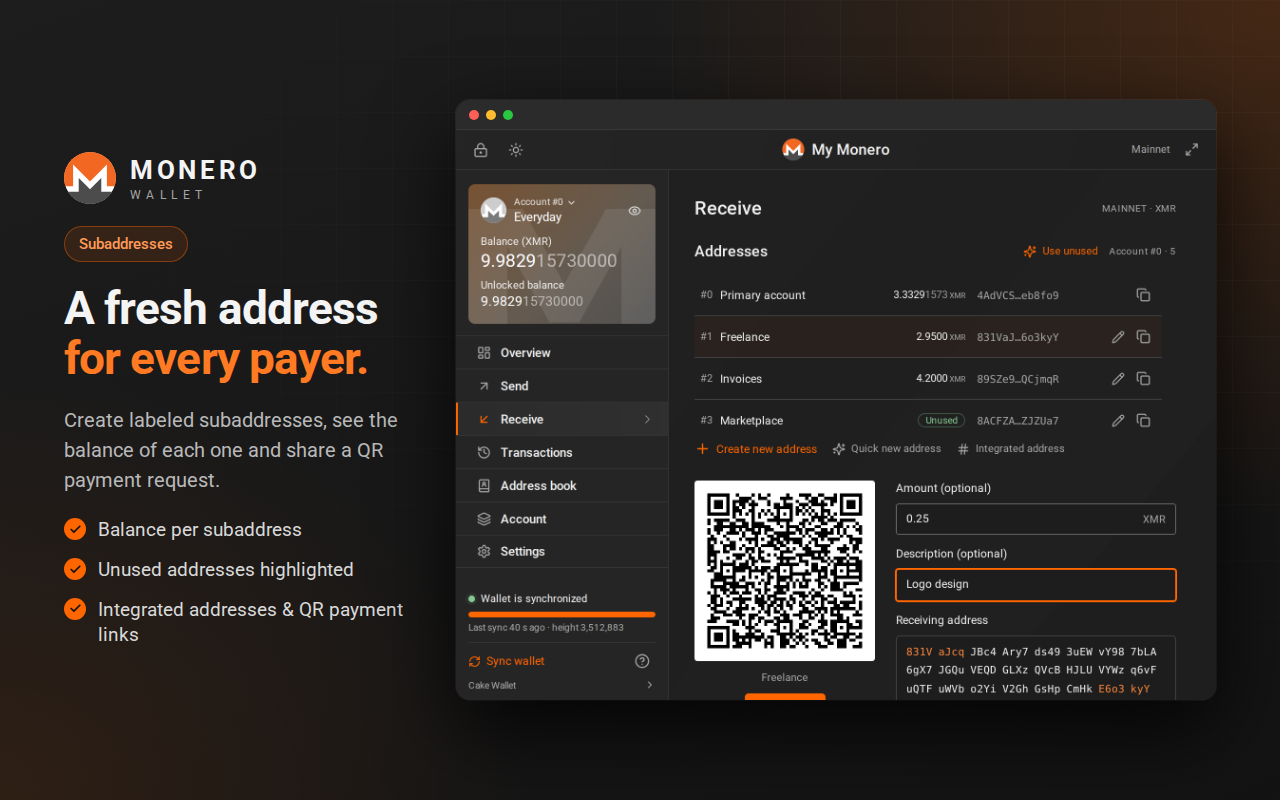
Organise activity with accounts, labelled subaddresses and unused address visibility.
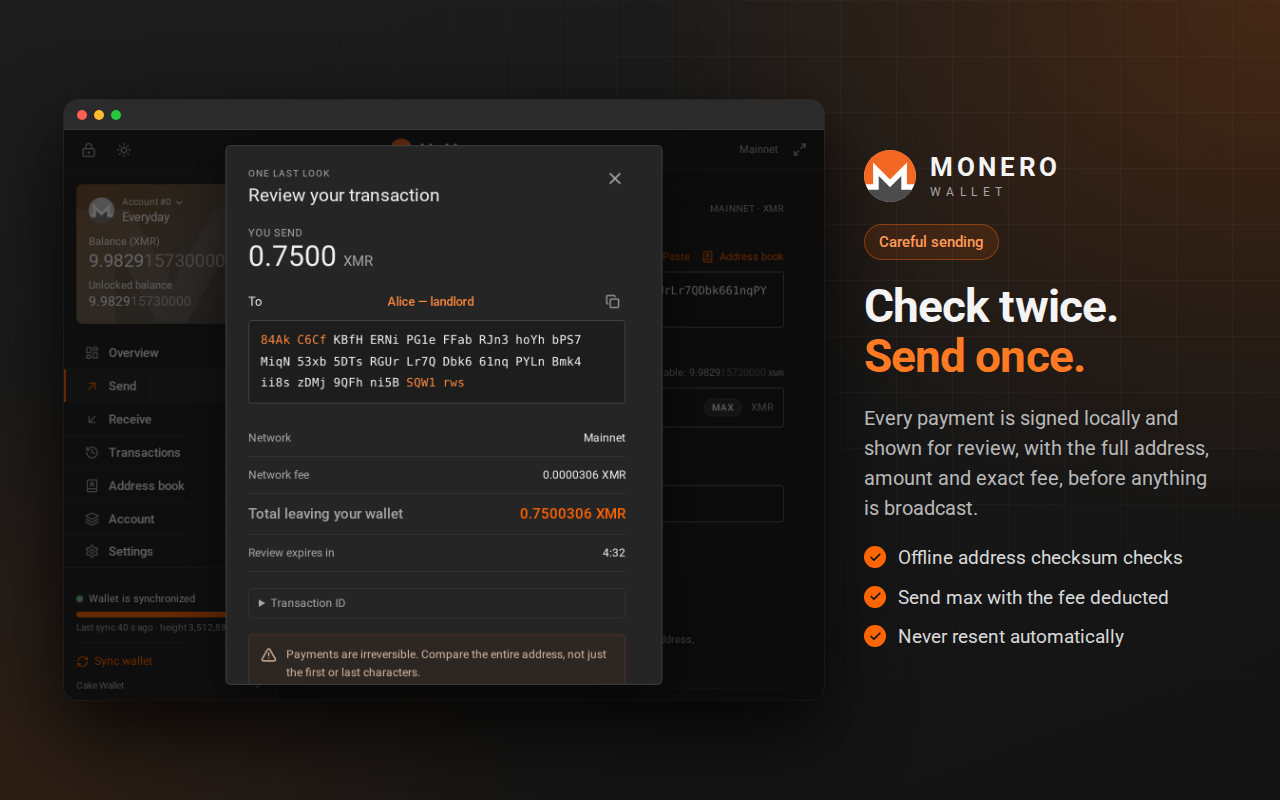
See the destination, amount, exact fee and total before a transaction is sent.
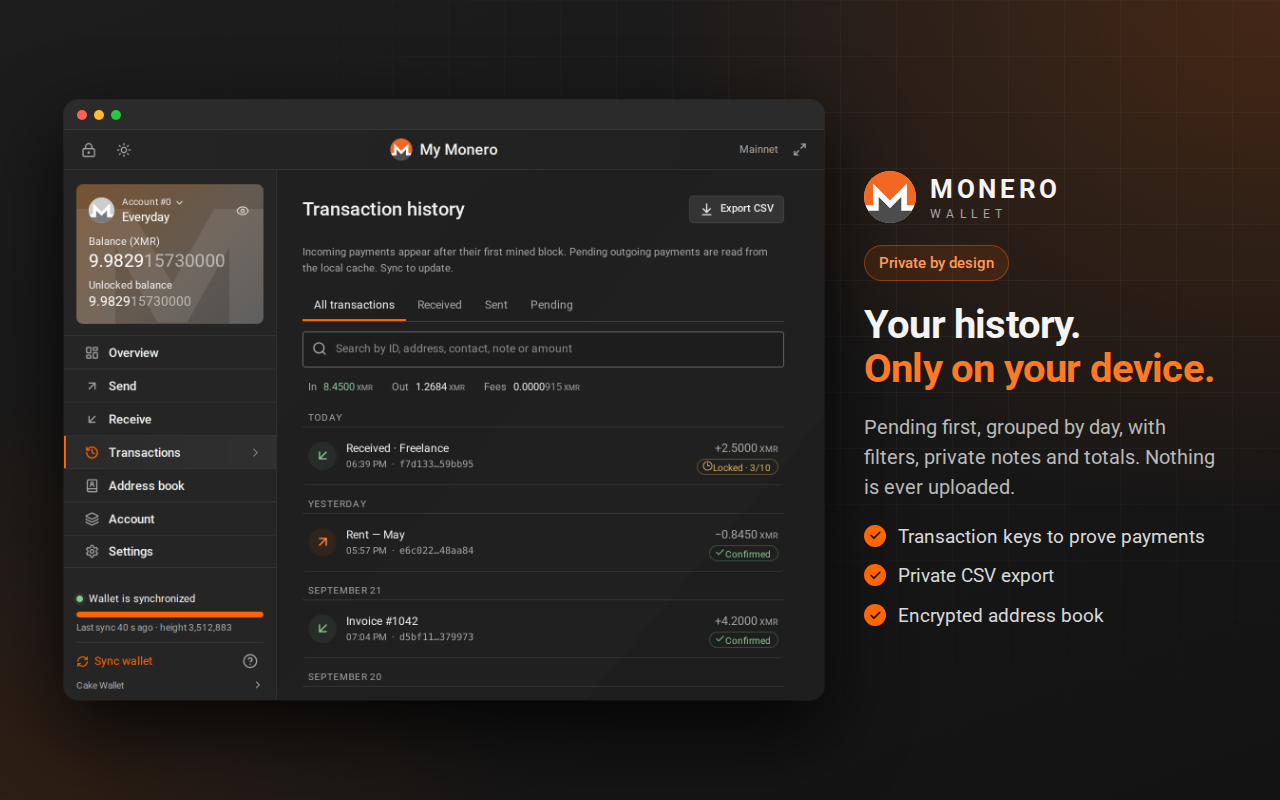
Keep a private address book, filter transaction history, add notes, export CSV and sign or verify messages offline.
The marketing site never asks for recovery phrases, private keys or wallet passwords. The extension documents where secrets are used and why your node choice matters.
Read the security modelAES-256-GCM and a password-derived key.
Understand the network information a node can see.
Limitations are part of the documentation.
These are authentic interface captures from the public Chrome Web Store listing. They show the product as it is documented, not a marketing mockup.